
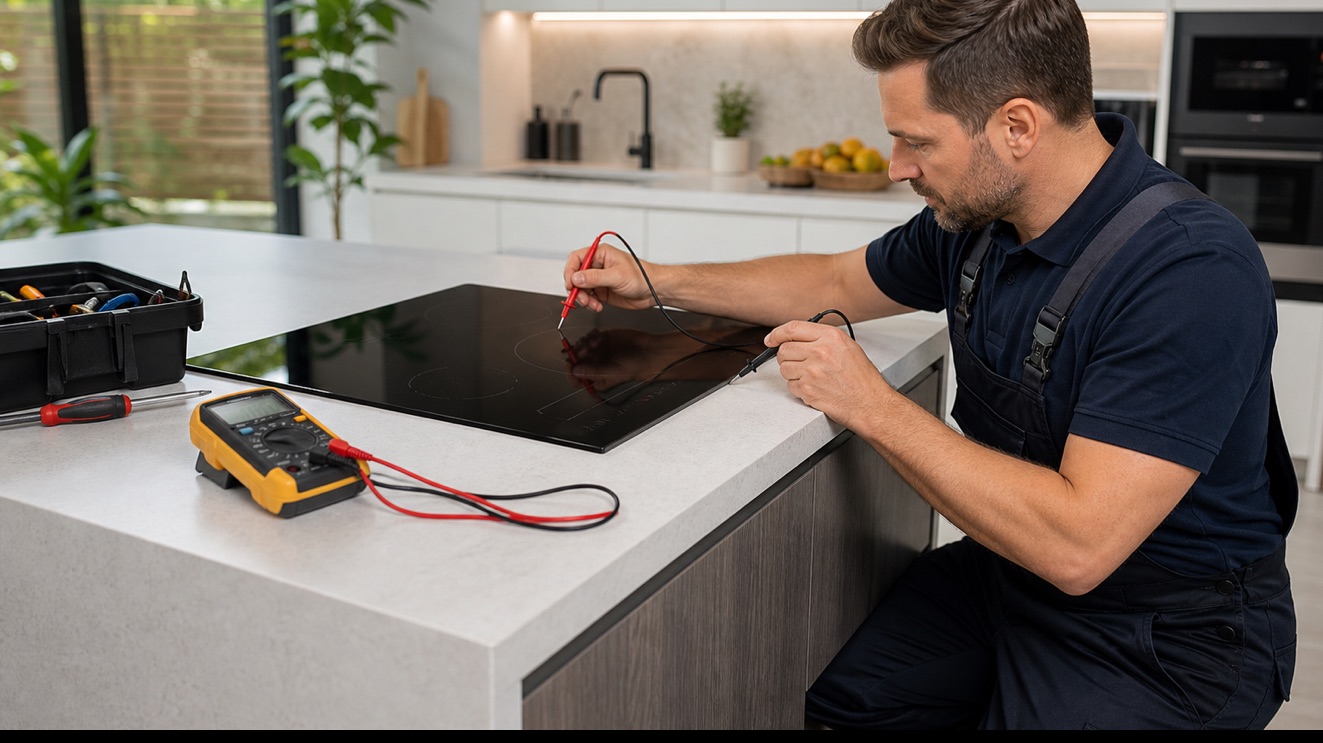
A Wolf induction cooktop complaint is most useful when it is tied to a cooking mode, heat stage, control action, or sound. If it does not heat, compare the functions that still operate with the exact moment the sequence changes. This mode-by-mode evidence gives a stronger starting point than replacing the first visible part.
Safe checks you can make first
- Test one known induction-compatible pan with a flat base
- Confirm the pan is centered on the selected zone
- Review control-lock and power settings in the user guide
- Note whether one zone, one side, or the entire surface is affected
- Record the complete model number and any message before resetting power
- Stop for smoke, burning odor, gas odor, active water near electricity, or repeated breaker trips
Stop for gas odor, smoke, damaged wiring, active leaks near electrical parts, or repeated breaker trips. Avoid internal gas, refrigerant, or live-voltage work and arrange professional service.
Common causes behind the symptom
The cookware is not being detected
Pan material, base diameter, position, or a damaged pan may prevent an induction zone from recognizing cookware. A known compatible pan helps separate cookware from unit behavior.
The appliance is missing part of its power supply
A loose connection, tripped circuit, failed power module, or missing voltage leg may leave lights or a display working while heating, induction, or other high-load functions remain unavailable.
An induction power module is not operating
Power electronics, cooling, coils, sensors, harness, and communication between modules may disable one zone or the entire surface. Internal testing involves hazardous voltage and needs to not be attempted by the owner.
A cooling fan is not protecting the controls
Premium cooking appliances use airflow to limit electronic control and cabinet temperature. A weak fan, obstruction, sensor, or command fault may interrupt cooking or produce an error as heat builds.
The user-control interface is not communicating
A lock setting, touch panel, selector, ribbon cable, encoder, power board, or main electronic control may prevent commands from reaching the running circuit. The exact controls affected define the diagnostic path.
Read the operating pattern before resetting
One zone failing with cookware that works elsewhere points toward a local coil, sensor, or power module. An entire surface that is dark or briefly powers off raises supply, cooling, interface, or communication questions.
Write down the selected mode, elapsed time, and the first change you observe when the induction cooktop does not heat. Preserve any display message and avoid repeated high-heat trials that can alter the original pattern.
What a complete diagnosis should confirm
Diagnosis verifies branch-circuit power, user inputs, pan detection, cooling airflow, temperature sensors, module communication, and power output. The glass should be inspected before internal high-voltage testing.
Professional testing separates the cookware is not being detected, the appliance is missing part of its power supply, an induction power module is not operating, a cooling fan is not protecting the controls, the user-control interface is not communicating. The recommendation should follow live electrical, heat, airflow, or ignition measurements for the exact Wolf configuration, rather than the symptom name alone.
Model and installation details change the repair
Induction modules are often arranged by zone groups, so a left-side or paired-zone failure can be meaningful. The exact model identifies module layout and approved cookware guidance.
Stop use for cracked glass, smoke, burning odor, arcing, or repeated breaker trips. Do not open the cooktop because stored electrical energy can remain after power is disconnected.
Frequently asked questions
What can cause this Wolf induction cooktop problem?
Wolf products can reach this symptom through the cookware is not being detected, the appliance is missing part of its power supply, an induction power module is not operating, a cooling fan is not protecting the controls, the user-control interface is not communicating. The affected functions, sequence, and model-specific readings show which path is actually present.
Should I reset this Wolf appliance before service?
Write down the selected mode, elapsed time, and the first change you observe when the induction cooktop does not heat. Preserve any display message and avoid repeated high-heat trials that can alter the original pattern. One reset described in the exact user guide may be reasonable after a power event, but repeated resets can conceal an intermittent fault.
Can I keep using the appliance?
Stop use for cracked glass, smoke, burning odor, arcing, or repeated breaker trips. Do not open the cooktop because stored electrical energy can remain after power is disconnected.
What information helps the technician prepare?
Provide the full model number, installation type, the first failed function, any code or alarm exactly as displayed, and the photos or temperature notes described above. Induction modules are often arranged by zone groups, so a left-side or paired-zone failure can be meaningful. The exact model identifies module layout and approved cookware guidance.
Ghost Appliance Repair is an independent service company and is not affiliated with or endorsed by Wolf or its manufacturer.