
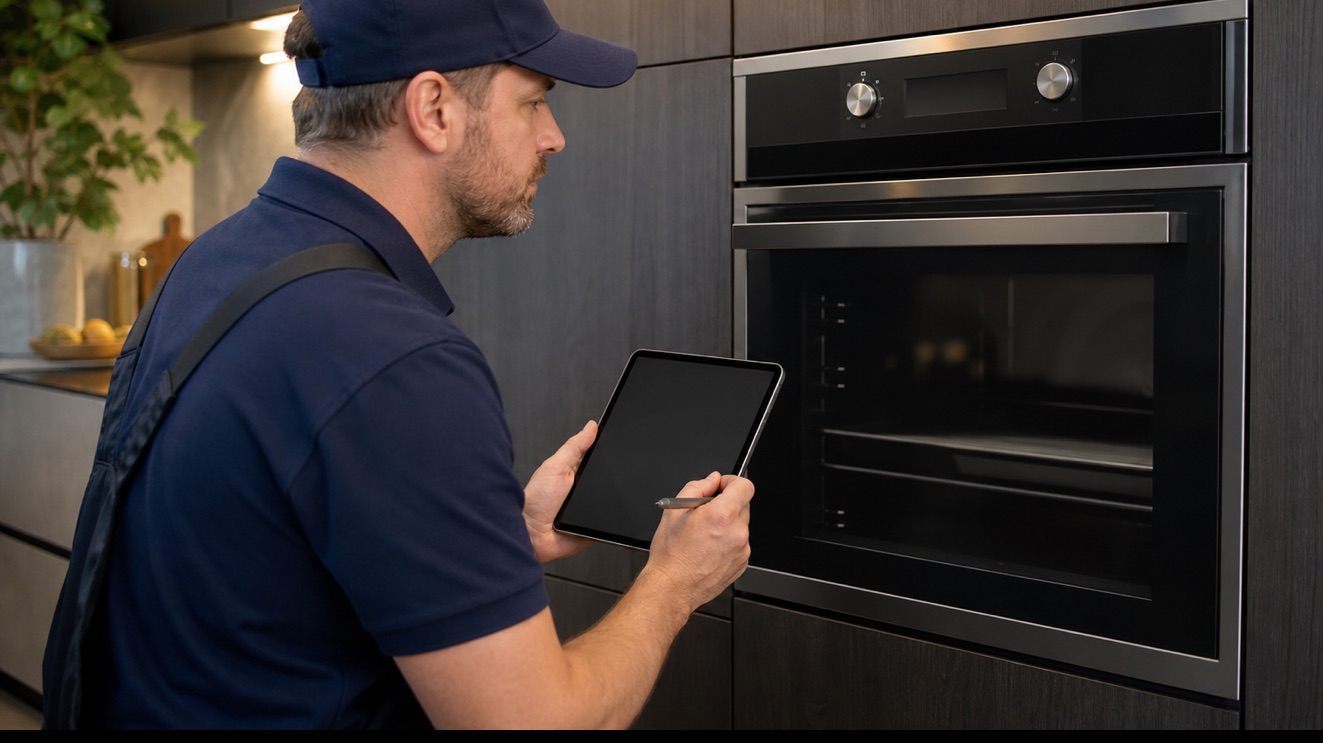
Thermador oven electronics monitor several inputs before allowing the next operating step. If the product shows an error code, preserve the selected program, affected zone or compartment, and the point where progress stops. That context keeps a sensor, module, or power symptom from being mistaken for a confirmed failed part.
Safe checks you can make first
- Photograph the full code before clearing it
- Note the cooking mode, cavity, and temperature
- Record whether the fan, door lock, or heat changed first
- Check for a recent outage, self-clean cycle, or overheated cabinet
- Record the complete model number and any message before resetting power
- Stop for smoke, burning odor, gas odor, active water near electricity, or repeated breaker trips
Stop for gas odor, smoke, damaged wiring, active leaks near electrical parts, or repeated breaker trips. Avoid internal gas, refrigerant, or live-voltage work and arrange professional service.
Common causes behind the symptom
A sensor or monitored input is outside range
The module may be reacting correctly to abnormal thermal reading, fan speed, water level, door position, or another monitored state. The exact code and active stage identify which input must be tested.
Electronic modules are not communicating
Power quality, connectors, harnesses, user controls, and main modules may produce intermittent or persistent communication faults. Resetting may clear the display without correcting the connection.
The oven sensor is reporting the wrong temperature
Sensor resistance, mounting, electrical path, and module interpretation affect cycling. A countertop thermometer reading alone is not enough to identify which part of the feedback path is inaccurate.
A cooling fan is not protecting the controls
Premium cooking appliances use airflow to limit module and cabinet thermal reading. A weak fan, obstruction, sensor, or command fault may interrupt cooking or produce an error as heat builds.
A control or wiring path is interrupted
Relays, connectors, harnesses, user controls, and power-supply circuits may prevent a working assembly from receiving the correct command. Voltage and continuity tests must follow the model electrical path information.
Read the operating pattern before resetting
A code during preheat, self-clean, cooling, or door locking can point to different monitored systems. Definitions vary by Thermador model and generation, so a code list from another product should not drive parts replacement.
Document the active zone, cavity, compartment, or cycle when the oven shows an error code. Include the exact display state and recent power, cleaning, plumbing, or installation events before attempting a reset.
What a complete diagnosis should confirm
A technician matches the exact code to model-specific information and verifies its sensor, fan, lock, harness, power supply, mechanical condition, and control command. Stored fault history may be relevant even after a reset.
Thermador diagnosis must distinguish a sensor or monitored input is outside range, electronic modules are not communicating, the oven sensor is reporting the wrong temperature, a cooling fan is not protecting the controls, a control or wiring path is interrupted. Model-specific readings from sensors, modules, loads, and the electrical path provide the evidence for repair; a displayed symptom by itself does not.
Model and installation details change the repair
Include every letter and number, the full model and serial information, and the affected cavity on double ovens. Similar controls can use different diagnostic tables.
Stop for overheating, smoke, electrical or gas odor, a locked door with abnormal heat, or repeated breaker trips. Otherwise document the state before one user-manual reset.
Frequently asked questions
What can cause this Thermador oven problem?
Thermador products can reach this symptom through a sensor or monitored input is outside range, electronic modules are not communicating, the oven sensor is reporting the wrong temperature, a cooling fan is not protecting the controls, a control or wiring path is interrupted. The affected functions, sequence, and model-specific readings show which path is actually present.
Should I reset this Thermador appliance before service?
Document the active zone, cavity, compartment, or cycle when the oven shows an error code. Include the exact display state and recent power, cleaning, plumbing, or installation events before attempting a reset. One reset described in the exact user guide may be reasonable after a power event, but repeated resets can conceal an intermittent fault.
Can I keep using the appliance?
Stop for overheating, smoke, electrical or gas odor, a locked door with abnormal heat, or repeated breaker trips. Otherwise document the state before one user-manual reset.
What information helps the technician prepare?
Provide the full model number, installation type, the first failed function, any code or alarm exactly as displayed, and the photos or temperature notes described above. Include every letter and number, the full model and serial information, and the affected cavity on double ovens. Similar controls can use different diagnostic tables.
Ghost Appliance Repair is an independent service company and is not affiliated with or endorsed by Thermador or its manufacturer.